
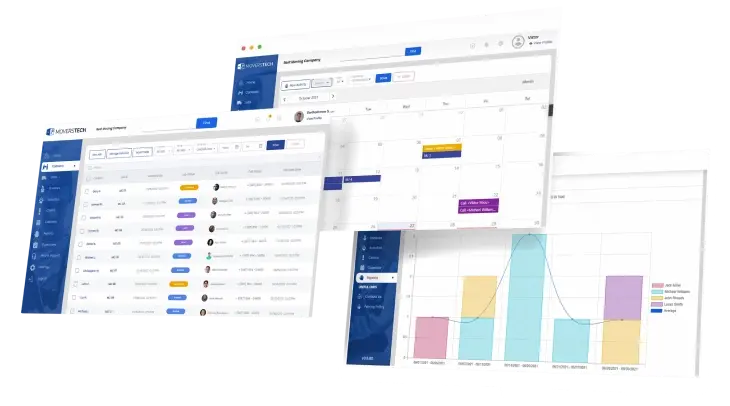
Automation helps moving companies only when it reflects how real jobs change. Systems that adapt to inventory, timing, and pricing updates reduce manual work and mistakes, while rigid automation pushes corrections into billing, creating delays, confusion, and extra pressure on the office.
Automation promises speed, but speed alone does not fix moving operations. Most moving companies turn to software hoping to reduce manual work, avoid mistakes, and keep the office under control. At first, progress feels obvious as tasks move faster and fewer steps appear on the surface. Over time, though, many movers notice something else. The work does not disappear. It simply shows up later, often when pressure is highest. A well-built CRM for moving companies can prevent that from happening. We compare automation that helps vs automation that gets in the way and explain how to build systems your office can rely on.
Why automation looks good on paper but feels different in practice
Automation often sounds simple at the start. You automate follow-ups, pricing, or billing with a clear goal in mind. Reduce effort, move faster, and avoid mistakes. On paper, the process looks controlled and efficient.
At first, it seems to work. Estimates go out quicker, messages are sent automatically, and fewer clicks are needed. Over time, however, real jobs begin to test those rules. Small changes appear, special requests come in, and details shift mid-move.
That is when problems surface. Staff starts double-checking estimates, adjusting charges after the job, and explaining why invoices no longer match expectations. The work was not removed. It was delayed, showing up later when the pressure is higher, and mistakes cost more time.
Where automation actually helps day to day
Automation that helps prove its value during routine moments your office handles every day. These are not edge cases. They are the repeated tasks that shape daily workflow.
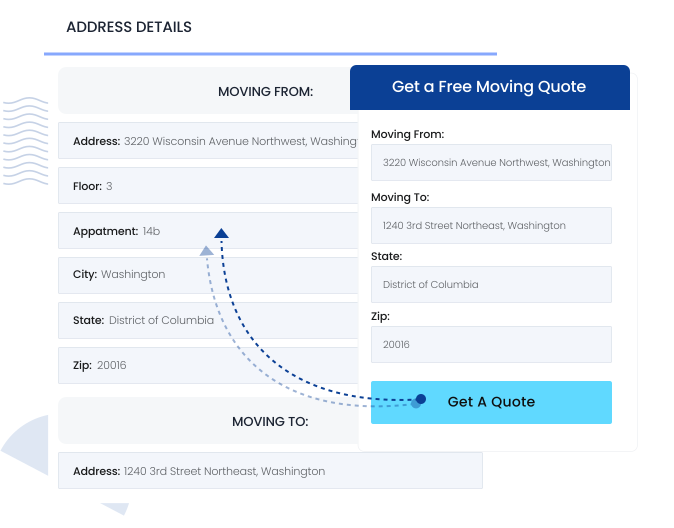
When a new lead comes in, an immediate response sets expectations early. With proper lead capture software, that message goes out automatically while job details flow directly into the system, eliminating retyping and missed information.
The same applies to estimating and documentation. When calculations follow consistent logic, your team stops guessing. Inventory moves forward with the job, contracts reflect what was quoted, and invoices go out without manual assembly. In these moments, automation supports momentum instead of slowing it down.
When automation starts getting in the way
Automation should reduce friction, yet when it does the opposite, the office feels it quickly. What begins as a helpful system slowly turns into something the team approaches with caution.
An estimate is generated automatically, but staff already expect edits. Charges apply on their own, yet several still need adjustment. A contract is sent, then job details change, and uncertainty grows around which version is final.
As a result, billing slows down. Invoices wait for review, turning a routine step into a careful process. Many movers recognize this pattern clearly. The move itself runs smoothly, but billing takes longer than the job ever did. At that point, automation stops helping and begins getting in the way.
The problem with automation is that it assumes every job is the same
No moving job stays fixed from start to finish, which is why automation that helps cannot rely on static inputs. Real moves evolve, and systems must evolve with them.
Inventory grows, timing shifts, services get added, storage becomes involved, and crews work longer than expected. These changes are not rare exceptions. They happen constantly.
When automation assumes nothing will change, the office absorbs the impact. Staff overrides rules, adjusts dates, recalculates charges, and explains discrepancies. Each correction takes time and creates uncertainty. Good automation expects variation and allows updates without breaking the workflow. When a system resists change, it works against your team instead of supporting it.
Why moving companies feel automation pain faster than other industries
In many industries, work ends when the service ends, which means automation issues surface quickly and stay contained. Moving continues long after the trucks return, and that difference explains why automation failures feel heavier for movers. While there are many industries that benefit from automation, most operate within tighter service windows where problems are easier to catch and correct.
For moving companies, the workload extends well beyond execution. Billing still requires review, payroll must be calculated, and follow-ups and reviews go out days after the move. When automation breaks, it rarely shows during the job itself. Problems appear later, when numbers no longer align and explanations become necessary.
Automation always amplifies the rules beneath it. If those rules do not reflect daily operations, the system creates pressure instead of relief, which is why movers feel that friction faster than most businesses.
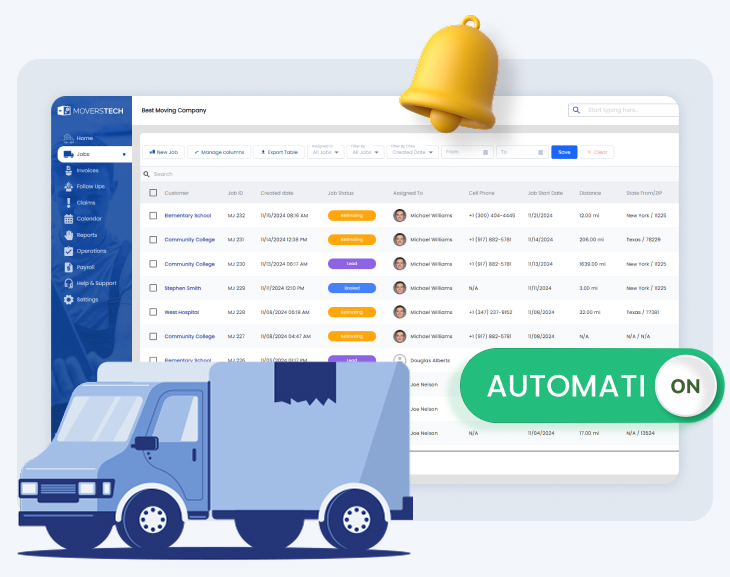
Automation that helps vs automation that gets in the way: Real examples
The difference becomes clear once you watch how your team reacts. Automation that helps build confidence. Harmful automation creates hesitation. You can usually tell which one you have by what your staff expects to happen next.
Helpful automation is steady and predictable. It supports work instead of adding risk. Helpful automation looks like this:
- Estimates are calculated correctly, so no one plans to fix them later
- Charges apply the same way on every job
- Labor hours round automatically without someone doing the math
- Contracts stay updated when job details change
- Notifications appear before problems, not after something breaks
Harmful automation creates the opposite response. It adds extra steps and forces people to work around the system. Harmful automation looks like this:
- Someone says “just send it and we’ll fix it later”
- Pricing rules exist, but no one really trusts them
- Templates need editing almost every time
- Billing feels stressful instead of routine
Estimates often go out with the expectation they will be edited, while pricing rules get worked around, and templates require constant changes. They are the core parts of an automation blueprint for movers built around how moving companies actually operate. When your team expects to correct automation, it is no longer helping.
What good automation feels like in a busy week
During a busy week, the difference becomes clear almost immediately, because automation helps remove hesitation from the office and keeps work moving forward. Estimates go out without second-guessing, while dispatch stays organized even as schedules shift. With customizable dispatch software, crews, timing, and job details remain aligned instead of slowly drifting apart as pressure builds.
As a result, billing feels routine rather than risky, and payroll no longer depends on chasing timesheets or rechecking hours. Customers also receive clearer information, which reduces confusion and limits unnecessary follow-up questions.
Over time, the strongest signal appears quietly. Your team stops talking about the system altogether, since there are no complaints or workarounds. When automation blends into daily operations this way, it finally does what it was meant to do.

Make automation carry out the work
Automation that helps should carry out the routine work your team handles every day. It should not create cleanup after the job is finished. The comparison of automation that helps vs automation that gets in the way shows us that systems shows us how moving companies actually operate. When they do, work flows without friction. Before peak season arrives, it is worth asking one clear question. Does your automation support your team, or does it slow them down after the trucks return?
Frequently asked questions
Why does automation sometimes create more work for moving companies?

Automation creates more work when it is built on rules that do not match real moving jobs. When inventory, timing, or services change, staff must override the system, adjust estimates, and correct invoices later.
What role does a CRM play in moving company automation?
A CRM connects estimates, contracts, dispatch, and billing in one system. When these parts stay linked, job updates automatically flow through the workflow, reducing manual corrections and helping the office stay organized during busy weeks.
How can moving companies tell if automation is working properly?
A simple sign is how the team reacts to it. If staff trust estimates, send invoices without hesitation, and rarely correct templates, automation is helping. If people expect to edit everything later, the system needs improvement.
Where does automation save the most time in a moving office?
Automation saves the most time in areas where the same steps repeat every day. Lead responses, estimate calculations, document generation, and billing updates are common examples where automation keeps work moving without manual corrections.
